
Zoom Integration
Schedule and join Zoom meetings for your classes from the teacher dashboard
Zoom Integration
Teachers access Zoom from Resources in the sidebar: Zoom links to /dashboard/zoom.
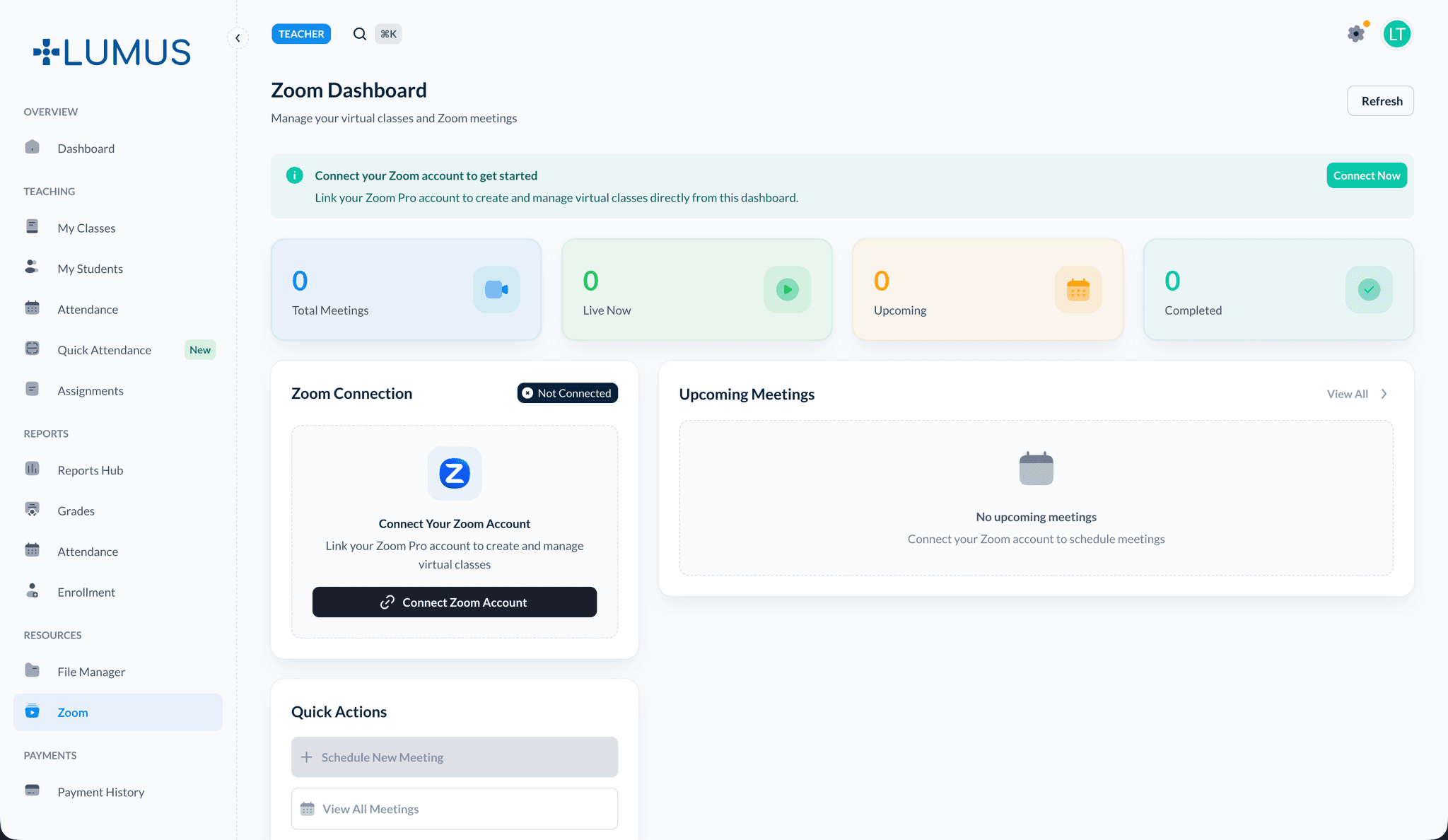
What you can do
- See meetings associated with your classes (depending on how your school creates them).
- Start or join sessions using the links or buttons provided on the page.
- Share the meeting URL with students through Announcements or course modules if your process allows.
Prerequisites
Zoom must be connected by a Super Administrator under Settings → Zoom Configuration. If meetings fail to create or join, confirm with your administrator that OAuth credentials and account linking are valid.
Related topics
- Admin: Zoom Integration — Institution-wide setup and policies (see the Admin documentation)
- Announcements